
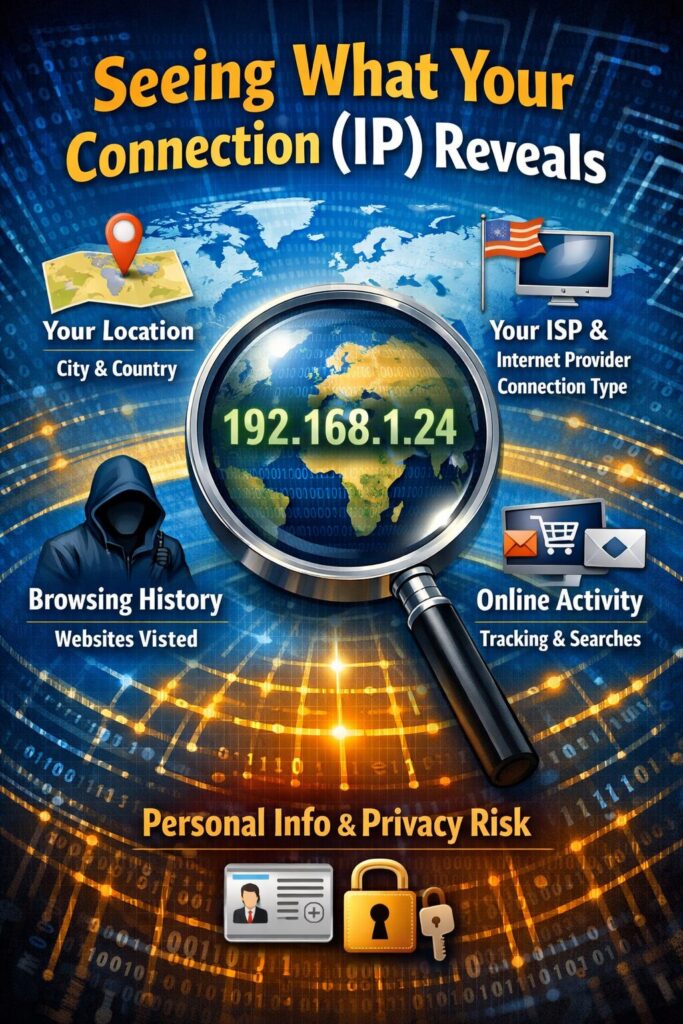
You probably haven’t thought much about what happens the moment you load a webpage. Your browser fires off a request, and buried in that request is your IP address. That single string of numbers tells the receiving server where you are, who provides your internet, and whether you’re connecting from home, an office, or some server farm in Virginia.
For most casual browsing, none of this matters. But anyone doing market research, managing multiple accounts, or trying to see how a website treats visitors from different countries runs into problems fast.
Your IP Tells a Longer Story Than You’d Expect
Here’s what gets broadcast with every connection: your approximate city (accurate within a few miles for most urban areas), your ISP’s name, and a classification tag that marks you as residential, commercial, or datacenter traffic.
That last one trips people up constantly. Websites treat these categories very differently. A residential IP from Comcast gets the red carpet treatment. A datacenter IP from AWS might get blocked before the page even loads.
The fingerprinting goes further than the IP itself. Sites can detect connection speed patterns, spot VPN signatures, and pull your ASN (the network identifier that reveals exactly which company routes your traffic). Running a quick test to check proxies for free with IPRoyal shows exactly what servers see when you connect. Most people are surprised by how much gets exposed.
Why Websites Care About Connection Type
Ad tech companies figured out years ago that connection data helps them profile users. Now everyone does it. Amazon adjusts prices based on where you’re browsing from. Netflix blocks entire IP ranges that look like VPNs. Instagram flags accounts that jump between geographic regions too quickly.
The detection has gotten annoyingly good. Switching from your home WiFi to a datacenter proxy mid-session? That’s a red flag. Connecting from a “residential” IP that shares a subnet with 500 other users? Also suspicious. Sites maintain massive databases of known proxy ranges and update them weekly.
Mobile connections work differently, though. Cell carriers assign IPs from shared pools that rotate between thousands of devices. Tracking individual users through that noise is genuinely difficult. An unlimited mobile proxy at MarsProxies takes advantage of this by routing traffic through real 4G and 5G connections. To websites, it looks like regular phone traffic.
The Classification System Behind It All
Every IP address belongs to an ASN, and Wikipedia’s page on internet geolocation explains how commercial databases track these assignments globally. When you connect to a site, their security system checks your ASN against known hosting providers, VPN companies, and proxy services.
Getting flagged as commercial traffic changes everything. Some sites serve different content. Others add friction through CAPTCHAs or verification steps. A few just block the connection entirely.
This creates headaches for legitimate business use. Testing localized pricing from another country means actually appearing to be in that country. Scraping public data at scale requires IPs that don’t immediately get flagged. Running competitor analysis across regions needs infrastructure that matches real user behavior.
Harvard Business Review has covered how data collection became central to competitive strategy. The companies doing this well aren’t using obvious datacenter IPs. They’re investing in connection infrastructure that blends in.
Picking the Right Approach
VPNs handle basic privacy needs fine. They’re cheap, easy to use, and sufficient for accessing geo-blocked streaming content. But they fail under scrutiny because VPN IP ranges are well documented and widely blocked.
Datacenter proxies offer raw speed at low cost. Great for tasks where detection doesn’t matter. Terrible for anything requiring stealth.
Residential and mobile proxies cost more per gigabyte but actually work for sensitive operations. The tradeoff is straightforward: pay more for legitimacy, or pay less and deal with blocks.
The Telegraph has written about growing awareness around online tracking. People want privacy tools that deliver results, not just marketing promises.
The practical move is testing before committing. Check what your current setup reveals. Verify that your traffic looks the way you need it to look. Match your tools to your actual use case rather than buying the most expensive option by default.
Every connection broadcasts information about you. Knowing what gets shared (and controlling it) has become table stakes for serious web operations.