

Google’s John Mueller advised ignoring internal URLs automatically created by content management systems after a Squarespace user raised concerns about links to database-identifier pages blocked by robots.txt, according to a Reddit response posted July 29. Mueller said the links carry no search visibility impact even when crawl-analysis tools detect them in site HTML.
TL;DR: Google’s Mueller confirmed that auto-generated internal URLs created by hosted CMS platforms like Squarespace—often using database identifiers blocked by robots.txt—have no SEO impact and can be safely ignored.
The Question About Auto-Generated URLs
An SEO consultant working for a Squarespace client posted to Reddit about an internal URL the platform had automatically generated. The URL followed the pattern https://domain/categories/=59487a4cd1758e7669102174 and appeared blocked by the site’s robots.txt file. The client had not created the page, yet Screaming Frog’s crawl analysis detected internal links pointing to it embedded in the site’s HTML anchor tags. The consultant could locate the links via browser developer tools but could not remove them because Squarespace does not expose backend editing access for platform-generated architecture components.
The poster asked how to resolve what appeared to be a technical SEO issue, expressing concern that Google would discover links to a blocked page despite the robots.txt directive.
Mueller’s Response
“It doesn’t really matter. I’d ignore it. It has no impact on search / SEO at all,” Mueller wrote in the Reddit thread. He explained that some platforms generate links as part of their internal architecture, and if nothing behind the link requires indexing, no action is needed. Mueller added that hosted platforms often prevent users from editing these elements by design.
What These URLs Actually Are
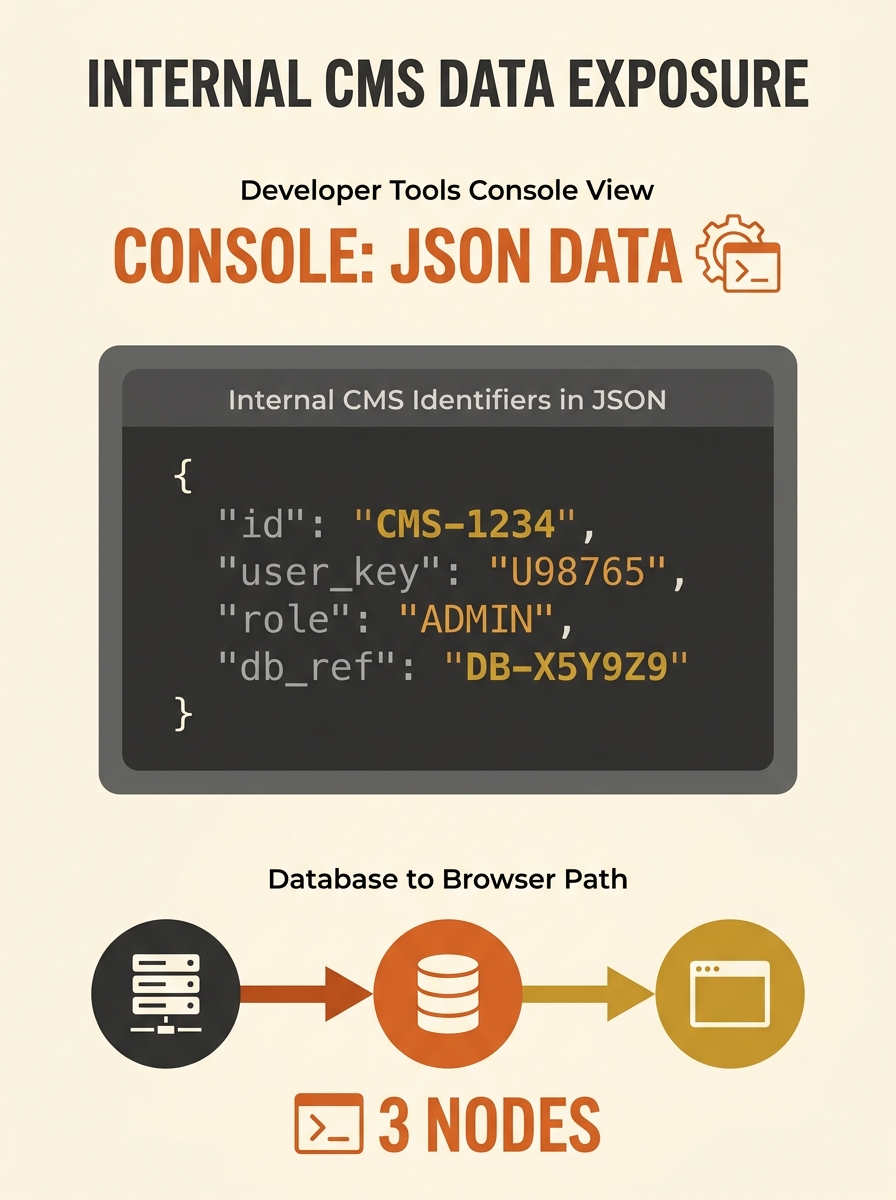
The alphanumeric strings in Squarespace URLs represent internal database identifiers the platform uses to track content objects regardless of user-facing URL changes. The identifier 59487a4cd1758e7669102174 functions as a permanent reference point in Squarespace’s database. When a site owner changes a category name or URL slug, the internal identifier remains constant, allowing the CMS to maintain data relationships without breaking.
Squarespace developers can view these identifiers by appending ?format=json-pretty to any site URL, which outputs the page’s JSON-formatted code instead of rendering the visual layout. WordPress uses an identical approach with term_id for categories and tags, and post_id for posts, pages, products, and attachments. These identifiers appear in the raw HTML WordPress generates but remain hidden from typical user interfaces.
The URL structure provides editing freedom rather than restricting it—site owners can rename categories without disrupting the platform’s internal architecture. Businesses commissioning technical SEO audits on Squarespace sites sometimes flag these URLs as anomalies when crawl tools detect them, but they serve a functional purpose within the CMS.
Reading Between the Lines
Australian businesses evaluating SEO marketing services or conducting in-house technical reviews need to distinguish between genuine crawling issues and platform-standard architecture. Crawl tools surface every internal link by design, including those that exist purely for CMS functionality. A blocked URL with inbound internal links does not automatically constitute a problem requiring intervention.
The exchange highlights a gap between what auditing software flags and what search engines penalise. Screaming Frog and similar tools report every detectable link, but Google’s processing layer filters for indexable content with user intent. Database identifiers blocked by robots.txt fall outside that scope. For businesses working with hosted platforms like Squarespace, Shopify, or Wix, understanding the underlying CMS architecture prevents wasted remediation effort on non-issues.
Before requesting platform-level changes—or migrating to self-hosted systems for perceived control—verify whether the flagged element impacts actual search performance. SEO consultation focused on CMS-specific behaviour can clarify which technical findings warrant action versus which represent normal platform operation.